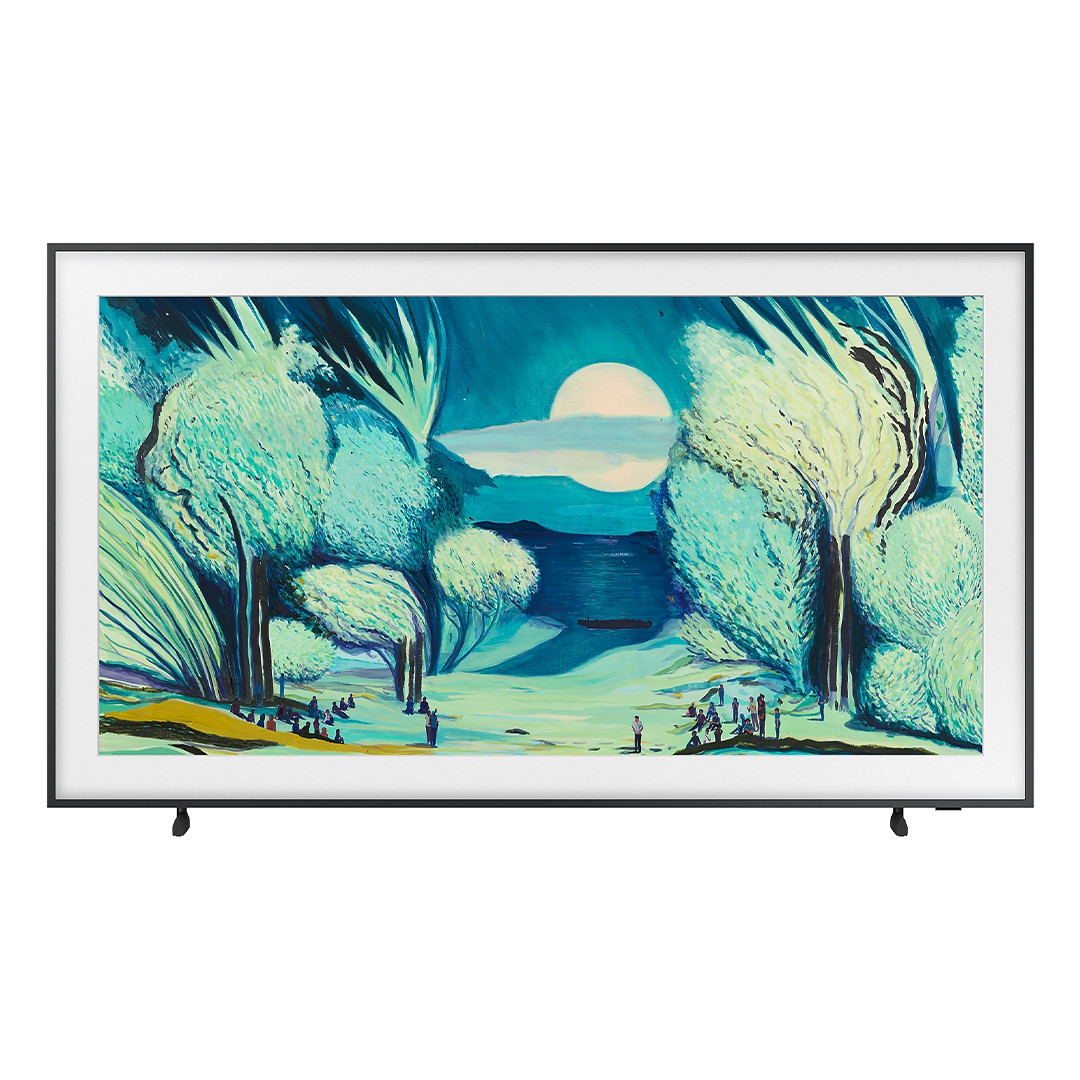
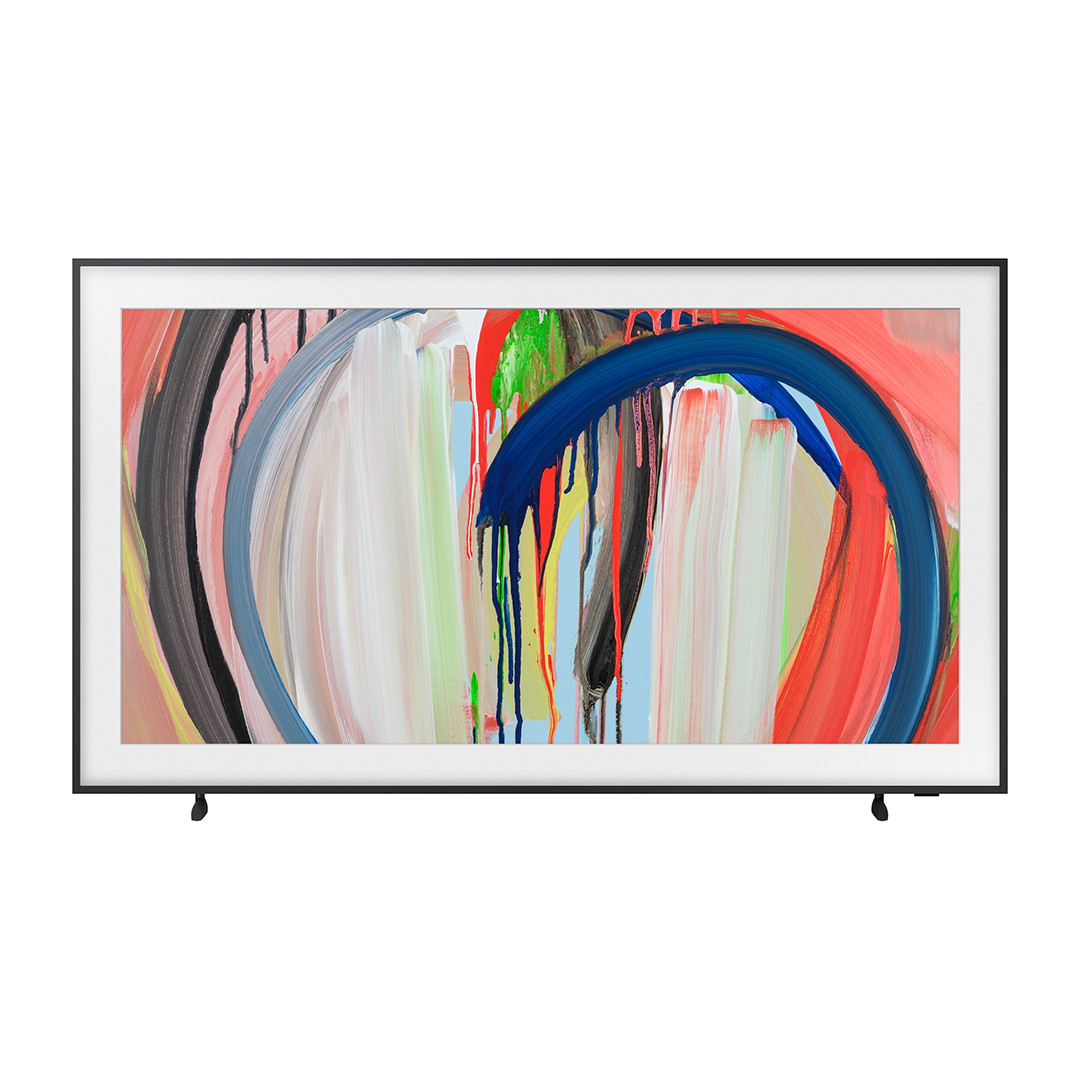
Watch a painting move with its soundtrack, or choose when it comes to life. The experience depends on how your display opens the artwork.
Denver Frameo digital frames
Frameo uses the frame’s own controls for pictures and video. The gallery’s interactive buttons are available in the browser edition.
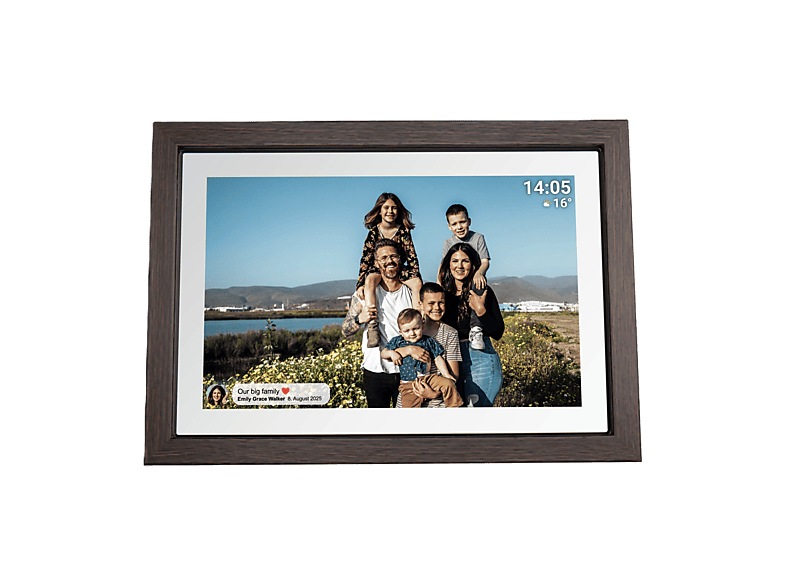
10.1″ · Dark wood finish
Denver PFF-1040DW
A compact frame for a shelf or desk. Its 16:10 screen suits close viewing.
- Viewing options
- Show a still painting or a video edition using the frame’s playback controls.
- Before sale
- We check the full running time, soundtrack and whether the entire painting fits without cropping.
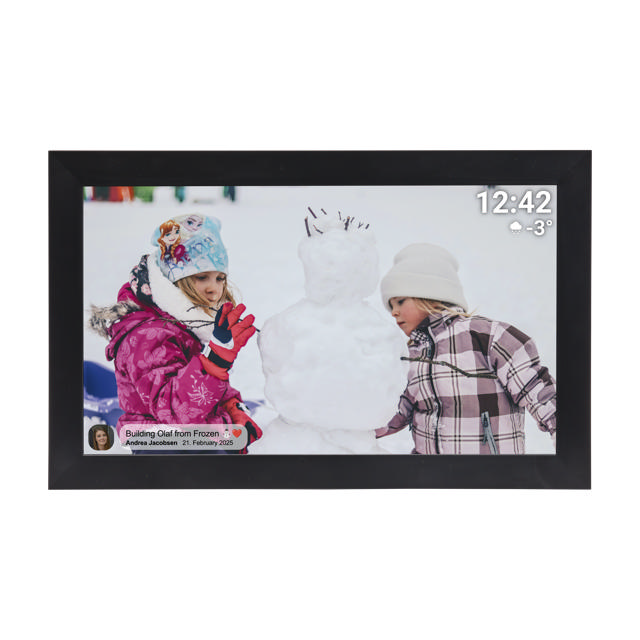
15.6″ · Black finish
Denver PFF-1504B
A Full HD touchscreen with 32 GB of storage for a collection of works.
- Viewing options
- Display a still or play an MP4 with sound through the built-in speaker.
- Before sale
- We check the transfer method, full-length playback and repeat behaviour for your chosen work.
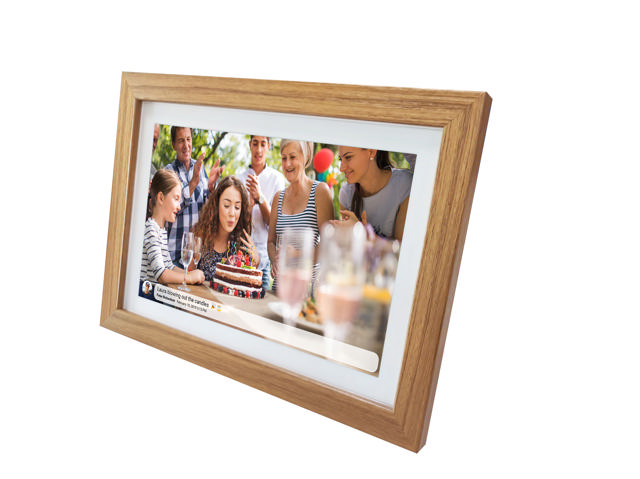
15.6″ · Light wood finish
Denver PFF-1543LW
Available as a gallery package
A Full HD frame for a shelf or a compatible VESA wall bracket.
- Viewing options
- Display a still or play an MP4 with its soundtrack. A built-in speaker provides audio.
- Before sale
- We check microSD import, looping and how the full composition fits the screen.
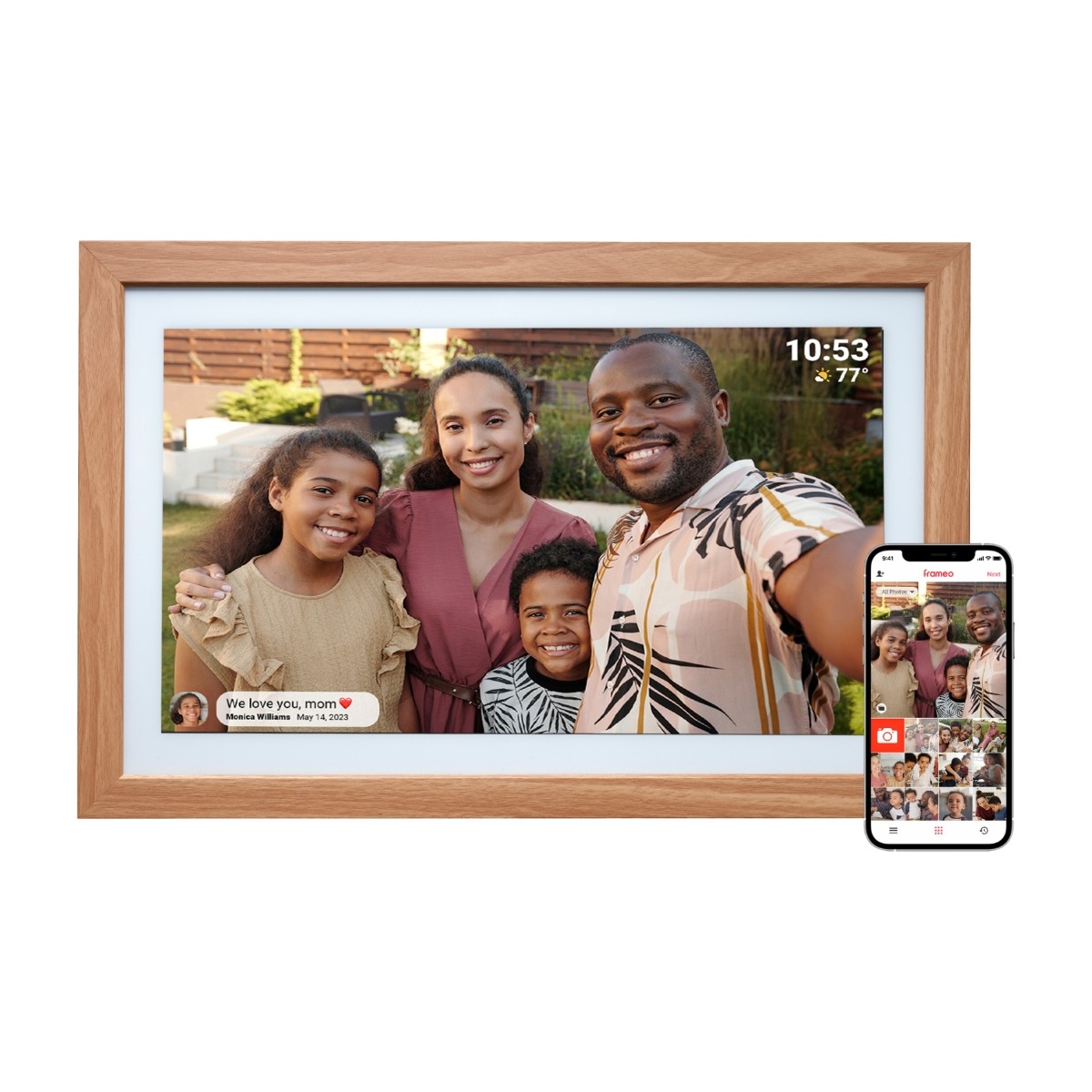
21.5″ · Wooden surround
Denver PFF-2162LW
A larger Full HD touchscreen gives a landscape painting more space on the wall.
- Viewing options
- Use Frameo to view stills and play moving files with the frame’s own controls.
- Before sale
- We check audio, repeat playback, restart behaviour and the fit of portrait works.
Samsung art displays
Choose Art Mode for a still painting. For a moving work, the playback mode matters as much as the screen.
55″ · 2025 · QE55LS03FAUXXH
Samsung The Frame
A wall display for a painting seen from across a room.
- Viewing options
- Art Mode displays a still painting. A computer connected by HDMI can show the interactive gallery edition.
- Before sale
- We check the video file, sound and looping in the selected playback mode and how to return to Art Mode.
55″ · 2026 · QE55LS03HAUXXH
Samsung The Frame
A large display with a Glare Free surface for rooms with daylight.
- Viewing options
- Show a still painting in Art Mode. Choose a separate video player for motion and sound, or a connected computer for gallery controls.
- Before sale
- We check your regional model, playback route, sound output, full picture fit and repeat behaviour.
Your computer screen
Open the artwork in a browser on a laptop, desktop or connected monitor. Choose Start Motion to animate the image or Original Still to return to the painting. For works with a soundtrack, use the gallery’s sound controls and listen through speakers or headphones. Before sale we check the edition, browser and audio setup you plan to use.
How we check compatibility
Your own display. Give us the exact model number. Before sale, we compare the files we will supply with the manufacturer’s specifications and explain which functions still need a hands-on test.
Artwork and display together. We confirm sourcing for your delivery country. Before sale we load the actual files onto the physical device, set it up and test the viewing modes included in your order.
For a model marked Available as a gallery package, ask us to supply the frame with your chosen artwork. We confirm stock and delivery to your country for each order.
Enquire about an artwork and display